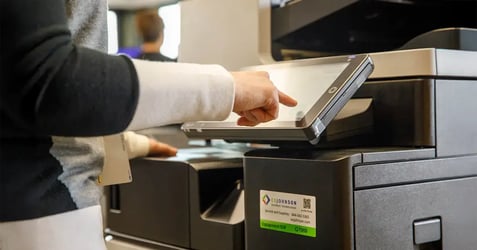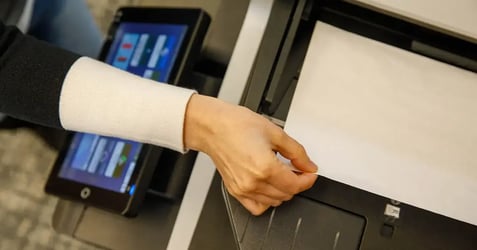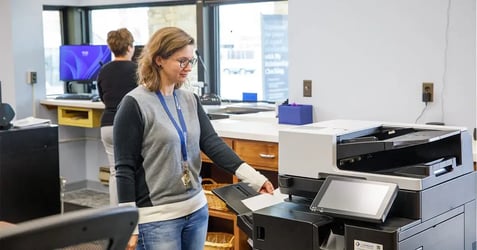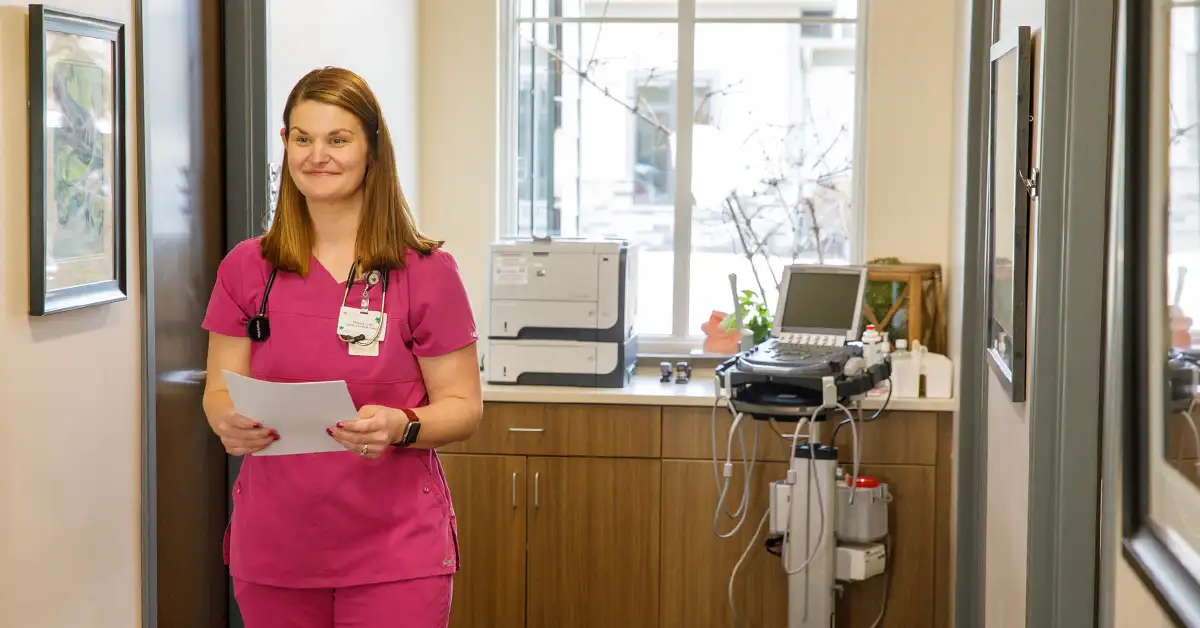
In a hospital or clinic, the multifunction printer down the hall touches more protected health information than most people realize. Intake forms, insurance cards, lab orders, referrals, and discharge paperwork all pass through it. That makes copier security a HIPAA compliance question, not just an IT preference.
No printer is "HIPAA compliant" on its own. Compliance comes from how a device is configured, managed, and used by employees. The right hardware makes that job easier by protecting data on the device, in transit, and in the output tray.
Below, we compare four multifunction printers our team recommends for healthcare settings, along with what to look for before you choose.
What healthcare teams should look for in a multifunction printer
Before comparing models, it helps to know which capabilities actually reduce risk and save staff time.
- Security that protects PHI at every step. Look for encrypted storage, user authentication, audit logs, and firmware that checks itself for tampering at startup. These features help your team meet HIPAA's technical safeguards without adding steps for staff.
- Secure printing that keeps documents out of the tray. Held or released printing means a patient's records don't sit in an output tray where anyone can pick them up. The print waits until the right person is at the device.
- Scanning built for patient intake. Front desks handle mixed stacks like forms, IDs, insurance cards, and multi-part paperwork. A feeder that handles these in one pass gets patients through check-in faster and gets records into the system sooner.
- Support for medical document workflows. Scanning to searchable PDF, encrypted email, and network folders help records reach the right place without manual re-handling. Compatibility with major EMR/EHR systems like Epic and Cerner keeps printing and scanning connected to the systems clinicians already use.
- Central device management. Multi-site health systems need to update firmware, apply security settings, and monitor devices from one place. That consistency is what keeps a fleet secure across every clinic and department.
Our top multifunction printers for healthcare compliance
1. Ricoh IM C3510SD: Best for patient intake and records digitization
Registration desks and health information management teams spend hours scanning mixed paperwork. The IM C3510SD is built to shorten that work. Its single-pass document feeder scans up to 200 images per minute and accepts IDs, insurance cards up to 1.4 mm thick, carbonless forms, receipts, and folded originals in the same stack. Staff load the pile and press start, and the device sorts out size and orientation.
For security, it runs a hardened operating system with expanded admin account controls. Scans can go out as encrypted PDFs, which keeps PHI protected after it leaves the device.
Where it fits: Patient registration, admitting, medical records, and billing departments.
2. Ricoh IM 6010: Best for busy departments printing in black-and-white
Not every department needs color. The IM 6010 handles around 20,000 pages per month for clinical units and back-office teams that print and scan all day. A single-pass feeder scans up to 300 images per minute, so it can take on digitization work when needed.
Ricoh delivers security updates and device monitoring to catch problems before they cause downtime. Enhanced account controls help IT limit who can access the device and its settings.
Where it fits: Nursing units, labs, pharmacy, and administrative offices.
3. HP Color LaserJet Enterprise MFP X58045: Best for color with a limited footprint
Clinics and satellite offices often need color in a small footprint. The X58045 is a desktop A4 color model, and its newest version is shorter than the one it replaces, making it easier to fit at a nurses' station or reception counter. Flow configurations add fast duplex scanning and built-in OCR for searchable records.
Its biggest healthcare advantage is its security. The device can detect an attack, stop it, and recover through a self-healing reboot, in line with NIST guidelines for device resilience. For IT teams managing hundreds of endpoints, that means one less device type to worry about.
Where it fits: Outpatient clinics, specialty practices, and reception areas.
4. Canon imageFORCE 1643F: Best for small spaces that need secure print and fax
Healthcare still runs on fax for referrals and records requests. The imageFORCE 1643F is a compact black-and-white desktop model that prints, copies, scans, and faxes, and its shorter frame fits in areas where larger devices can't.
Security is built in, not bolted on. Secure Print holds documents at the device until the user releases them, so referrals and records don't sit in the tray. Staff sign in with a PIN, password, or badge. At startup, the device checks that its firmware and applications haven't been tampered with, and it can send security events to your organization's monitoring system.
Where it fits: Exam room hallways, small clinics, and departments with heavy fax traffic.
Side-by-side comparison of top multifunction printers for healthcare compliance
Why secure printing matters more than the hardware alone
The right device is only part of the picture. Secure printing changes how a healthcare organization prints, and that's where much of the compliance value comes from.
With secure release, users send jobs to a shared queue and print them only after they authenticate at the device. Confidential records never sit unattended. It also means departments can share fewer, better-placed MFPs instead of relying on a desktop printer in every office. A smaller printer fleet means fewer endpoints to patch, fewer places PHI can end up, and lower supply and service costs.
Many healthcare organizations use print management platforms, or follow-me printing, to run secure release across an entire fleet. If your health system agreement doesn’t allow that, look for built-in secure release features at the device level.
Connecting to the systems your clinicians already use
Printing and scanning should fit into the EMR/EHR workflow, not sit outside it. The devices we highlighted from Ricoh, Canon, and HP are compatible with major platforms like Epic and Cerner. That means clinicians can print labels, orders, and patient documents directly from the record.
How to choose the right healthcare office equipment
Start with the work, not the spec sheet. Map where documents are created, scanned, and released in each department. A registration desk processing insurance cards needs a different device than a nursing unit printing orders all shift. From there, match each area to a device and decide how you'll manage secure release and firmware updates across the fleet.
This is where a managed print partner matters. EO Johnson is a SOC 2 Type 2 audited provider that has served Midwest organizations since 1957. Our local technicians support healthcare clients across multiple sites, and our consultative approach means each device is configured for your security, compliance, and workflow needs before it goes live.
Ready to find the right fit for your healthcare facility? Talk with an EO Johnson healthcare specialist about a print and document management assessment.